how to Find the model name of your iPhone.
Go to Settings > General > About. To the right of Model Name, you'll find the model name. Choose the corresponding BallerCam insert for the right fit.
What's included
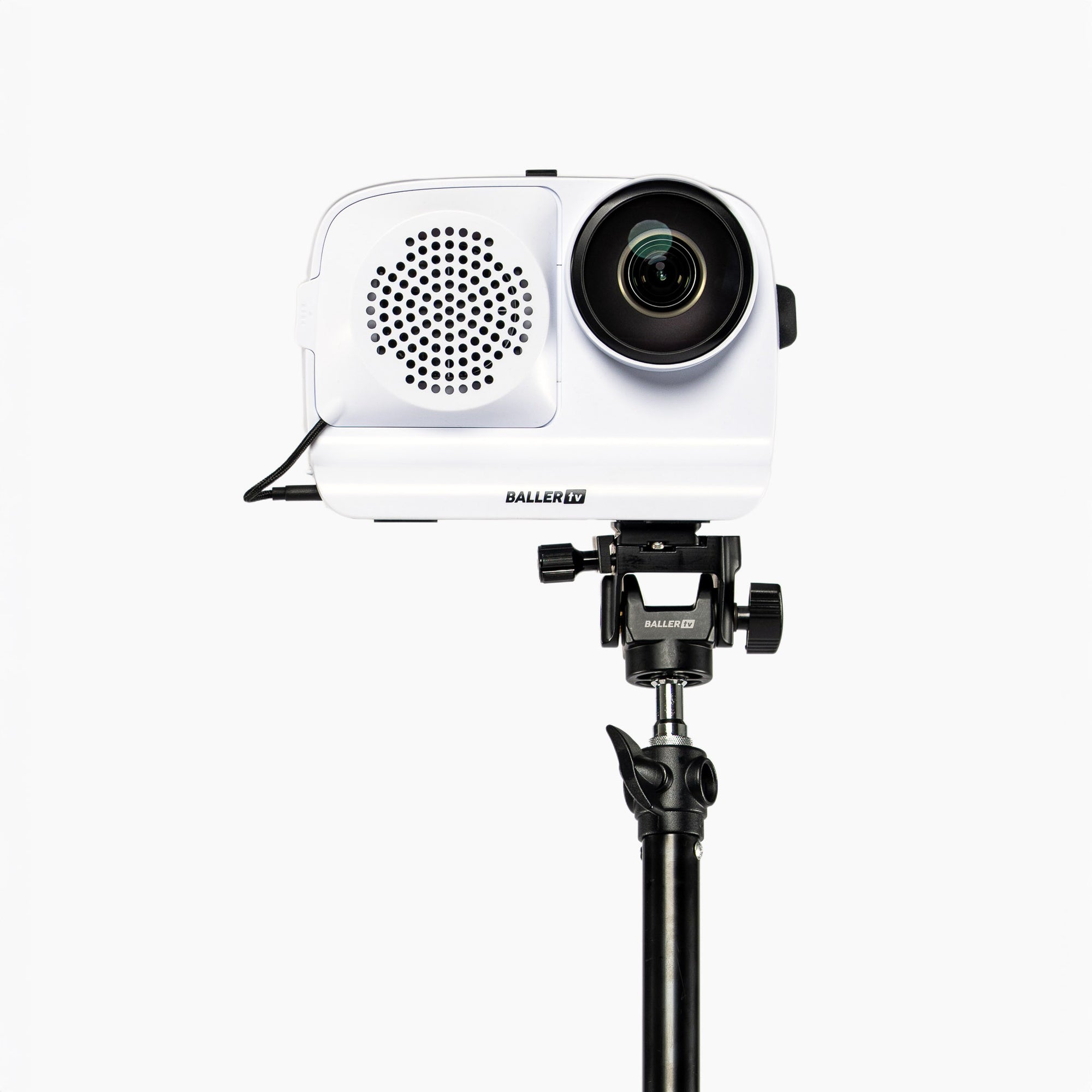
BALLERCAM SHELL
Holds your iPhone and integrates the wide-angle lens and cooling fan.
IPHONE ADAPTER
Model-specific adapter that fits snugly around your iPhone and locks into the shell.
15’ TRIPOD
Heavy-duty 15’ aluminum tripod for stable, elevated filming.
Sling Bag
Custom-fit to carry your BallerCam and accessories. Compact, durable, and organized — perfect for game days.
BATTERY PACK
Rechargeable and hot-swappable. Add extras to film all day.
SUN SHADE
Sun shade to shield BallerCam from direct sun and rain.
BACK COVER
Back cover to protect your iPhone from direct sunlight and weather.
USB CABLES
USB-C to USB-C and USB-C to Lightning cables to keep your phone charged.
Features
Auto Pan & Zoom
AI follows the action for soccer, basketball, sideline volleyball, and football.
Stream & Record
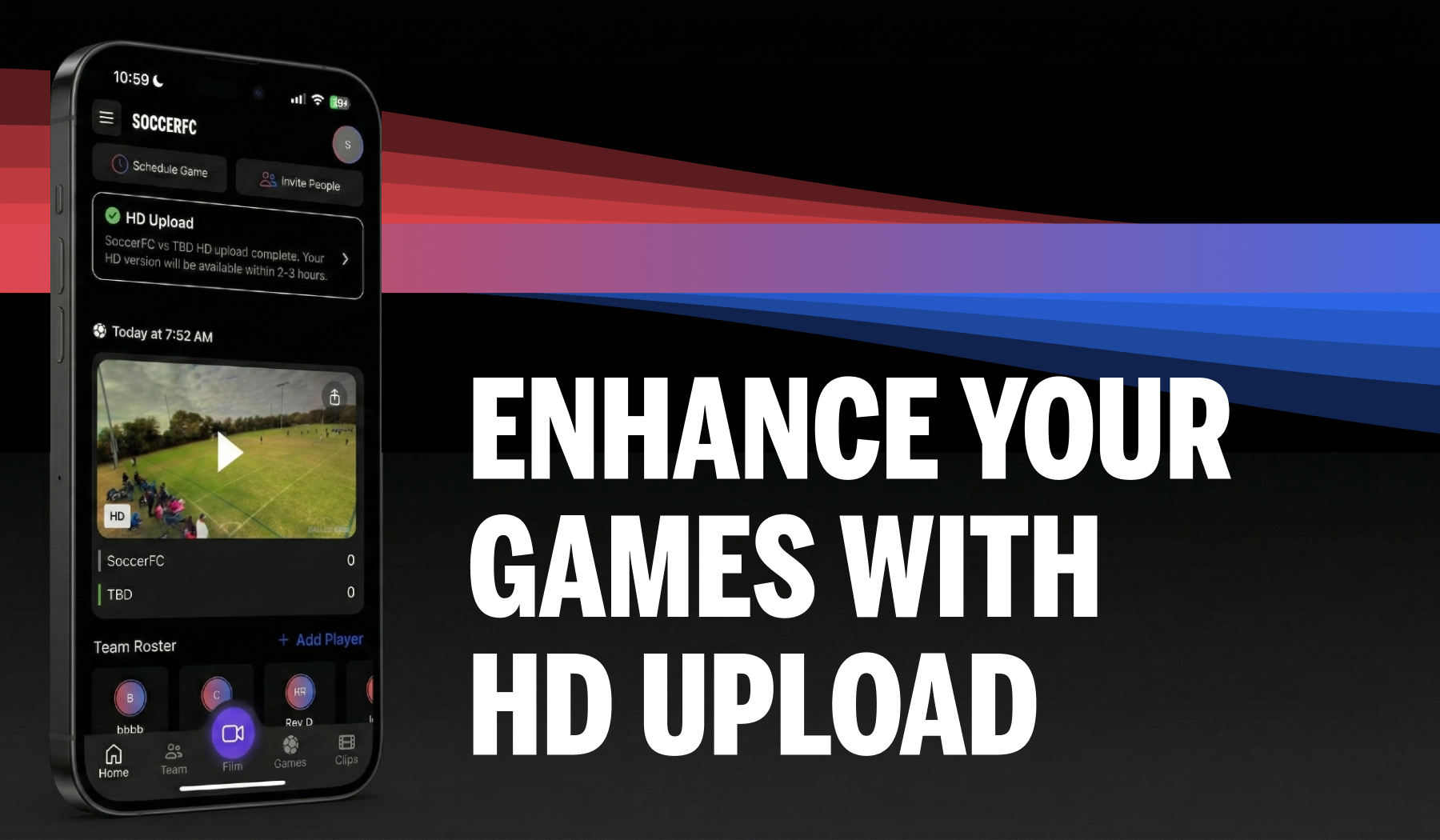
Livestream games while saving HD footage to your camera roll.
Highlights & Clips
Get auto highlights or tap to create manual clips in seconds.
Works with Your iPhone
No new hardware — just snap in and start filming.
Specs
Physical Specs
Weight: ~980g / 2.16lbs (shell, lens, fan, battery; iPhone not included)
Dimensions: 220mm × 150mm × 80mm
Material: High-impact polycarbonate
Mount: Standard ¼"-20 tripod thread
Video & Recording
Recording: 4K capture for AI panning and smart zoom
Download: 1080p HD version available post-game to camera roll
Livestream: 720p (auto-adjusts with connection)
Upload: Sync to enable HD replays and better highlights
Storage: ~9.5 GB/hour; uploading clears space
Power & Cooling
Battery Life: Up to 3 hours with external battery (or ~1% iPhone drain per min without)
Cooling: Built-in fan for heat management
Power: USB-C or Lightning to iPhone + USB-C to fan
Compatibility
iPhones Supported: iPhone 13 Pro and newer
Insert: Model-specific frame for perfect fit
App: Requires BallerCam App (iOS 16+)
Internet: Stream via your own 5G, LTE, hotspot, or Wi-Fi (BallerCam does not provide connectivity)
Bandwidth: 5 Mbps upload recommended
Environmental
Weather: Rain-safe and water resistant
Operating Temp: 0°C to 35°C (32°F to 95°F)
Sun Protection: Sun shade + back cover reduce glare and heat
How BallerCam Works for Volleyball
Using your iPhone, BallerCam makes it easy to stream every volleyball game automatically with full-court coverage. Set up takes seconds.
how it works
learn moreSnap In
Insert your iPhone and open up the BallerCam app.
Hit Record
Our AI tech will pan, zoom, and track the action.

Share & Watch
Share the livestream, replay and highlights with fam and fans.
LATEST BALLERCAM VOLLEYBALL FEATURES
Product Updates
Reviews
It is going everything I expected it to do
It is better than anything I have tried.
It is by far the most reliable cam for basketball platfrom. The hardware is simple but that is also what is great about it. This can last years to come because the cam upgrades with your phone.
The app is also intuitive and works.
I love it! Very user friendly!
Over all I think it’s amazing. I wish there was a pause button to pause a recording.
Absolutely love this product! This has madegames and practice a breeze!
Frequently Asked Questions
Not finding the info you're looking for? Hit us up, we're happy to assist.
No, BallerCam doesn’t include a camera. BallerCam attaches to your iPhone to improve the quality of your game footage, but it isn’t a camera. iPhone sold separately.
BallerCam works with the free BallerCam mobile app to automatically record full games, stream live to friends and family, and create clips and highlights you can watch and share anytime.
The Base Plan includes 20 hours of cloud storage. You can manage, download or delete saved games at any time, or upgrade to a plan with more storage if you want to keep more games.
See our pricing page for details.
BallerCam’s AI-powered tracking, panning, and zoom works for soccer, futsal, basketball, and volleyball (from the sideline).
BallerCam is compatible with iPhone 13 Pro or newer models. Supported devices include:
- iPhone 13 Series: iPhone 13 Pro, iPhone 13 Pro Max
- iPhone 14 Series: iPhone 14, iPhone 14 Plus, iPhone 14 Pro, iPhone 14 Pro Max
- iPhone 15 Series: iPhone 15, iPhone 15 Plus, iPhone 15 Pro, iPhone 15 Pro Max
- iPhone 16 Series: iPhone 16, iPhone 16 Plus, iPhone 16 Pro, iPhone 16 Pro Max, iPhone 16E
- iPhone 17 Series: iPhone 17, iPhone 17 Air, iPhone 17 Pro, iPhone 17 Pro Max
Yes, BallerCam can attach to any tripod with a standard ¼"-20 mount.
You can purchase one of our recommended tripods (indoor or outdoor), or use your own. If you purchase a tripod from BallerCam, a tilt adapter for angling the camera toward the playing field comes included.
Yes, BallerCam is designed with a protective lip and a permanently affixed lens to help prevent scratches and reduce glare. We use high-quality glass for added durability, but the lens isn’t scratch-proof. We recommend using the included BallerCam lens cap whenever the camera is not in use.
BallerCam includes a built-in cooling fan to help prevent your iPhone from overheating during long filming sessions. The fan must be plugged into the swappable battery to operate. We also recommend using the back cover attachment to shield your iPhone from direct sunlight on hot, sunny days.